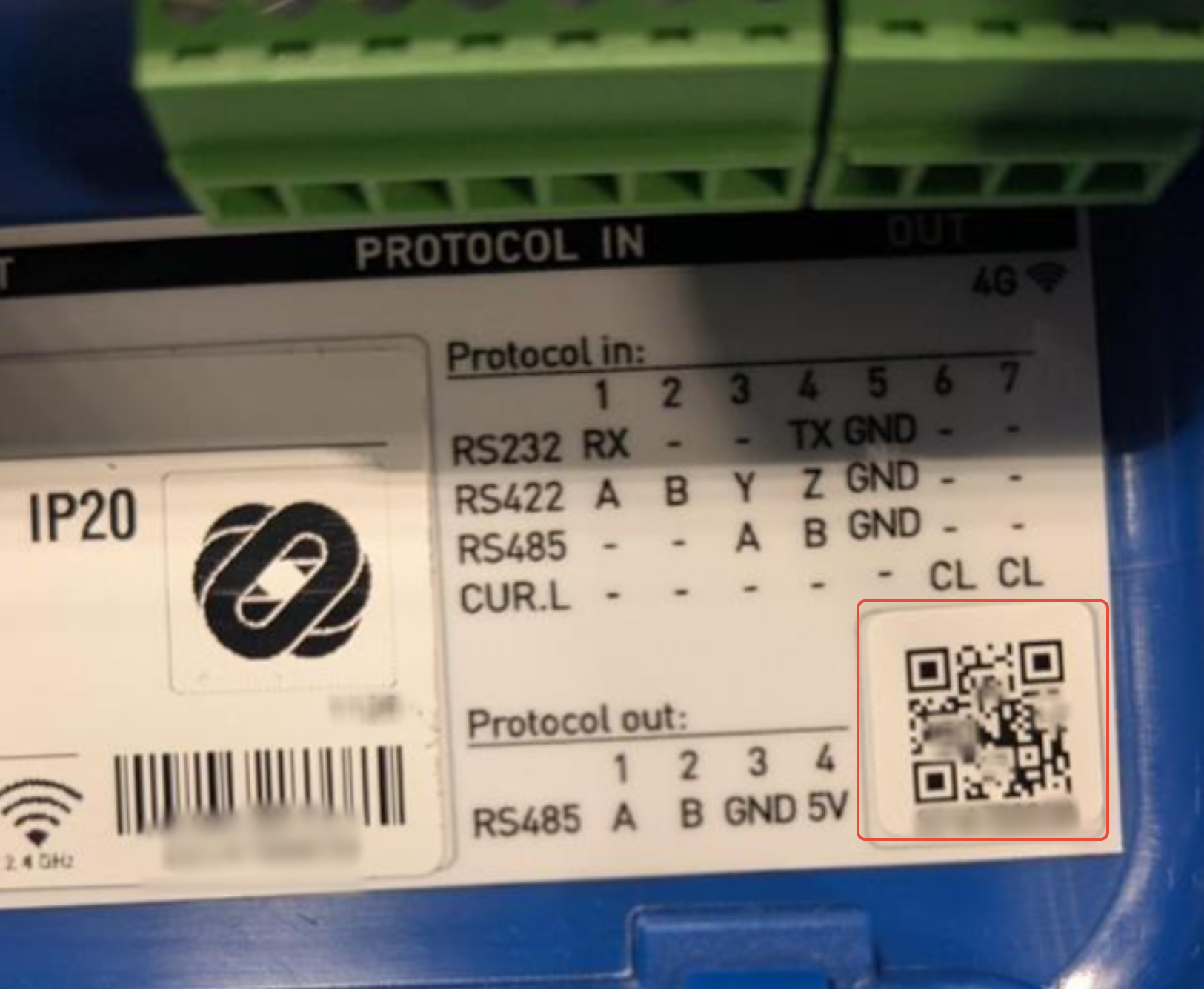
By scanning the QR code on the back of your IC-smart Touch, the device can easily be added to your company and site within the Bever Dashboard.
Once connected, the IC-smart Touch can retrieve cloud-based data, including EV prices, directly from our services.
- Start by scanning the QR code on the back of your IC-smart Touch.
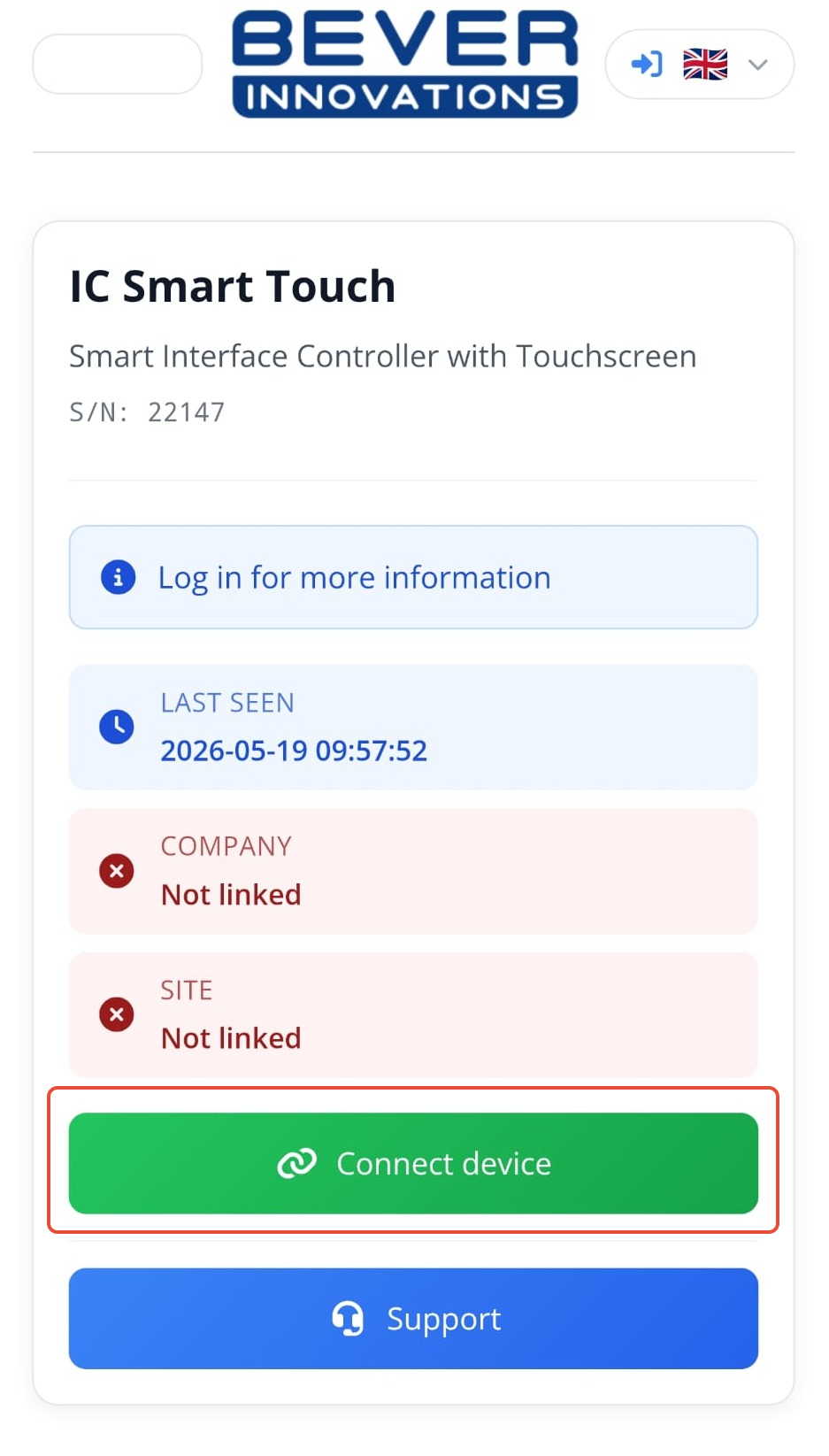
- If the company and site are not yet linked, click on “Connect Device” to link the device.
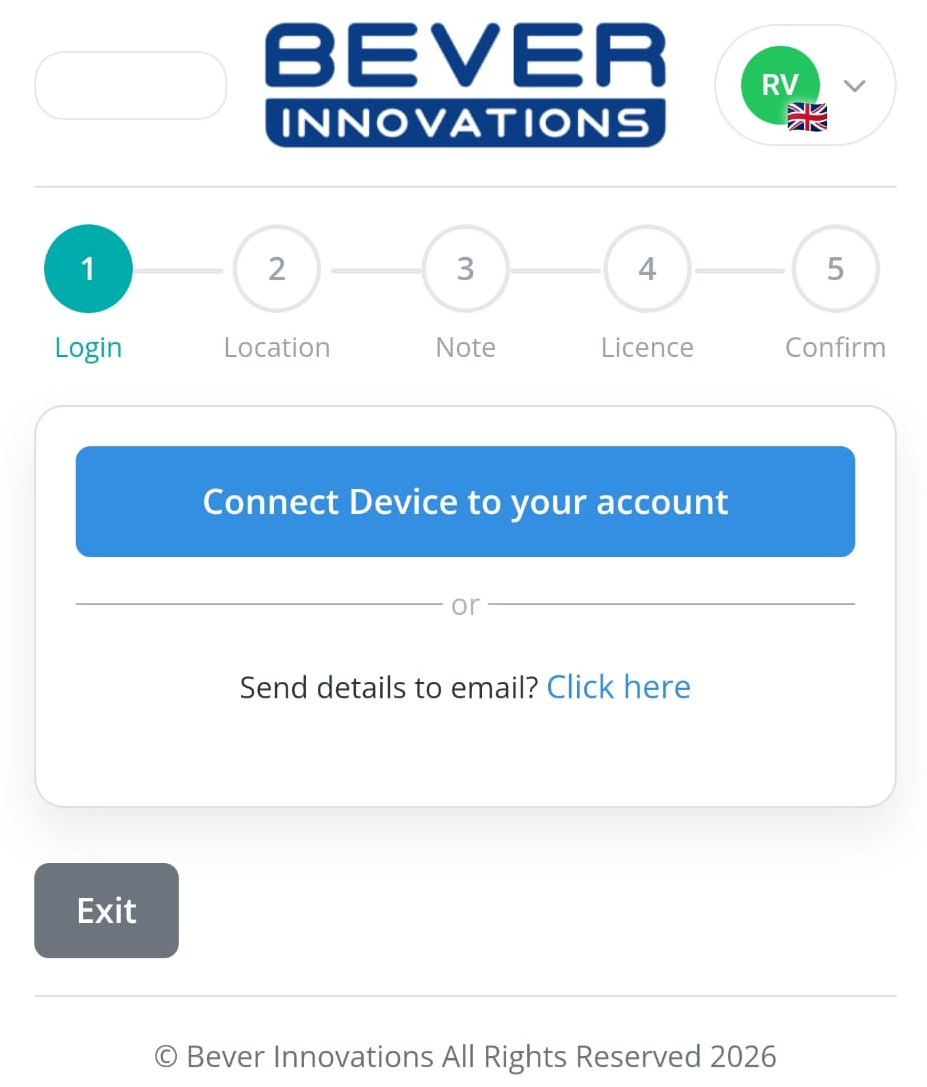
- If you do not have a Bever Dashboard account, you can send all the required details to your work planner by clicking the send email option.
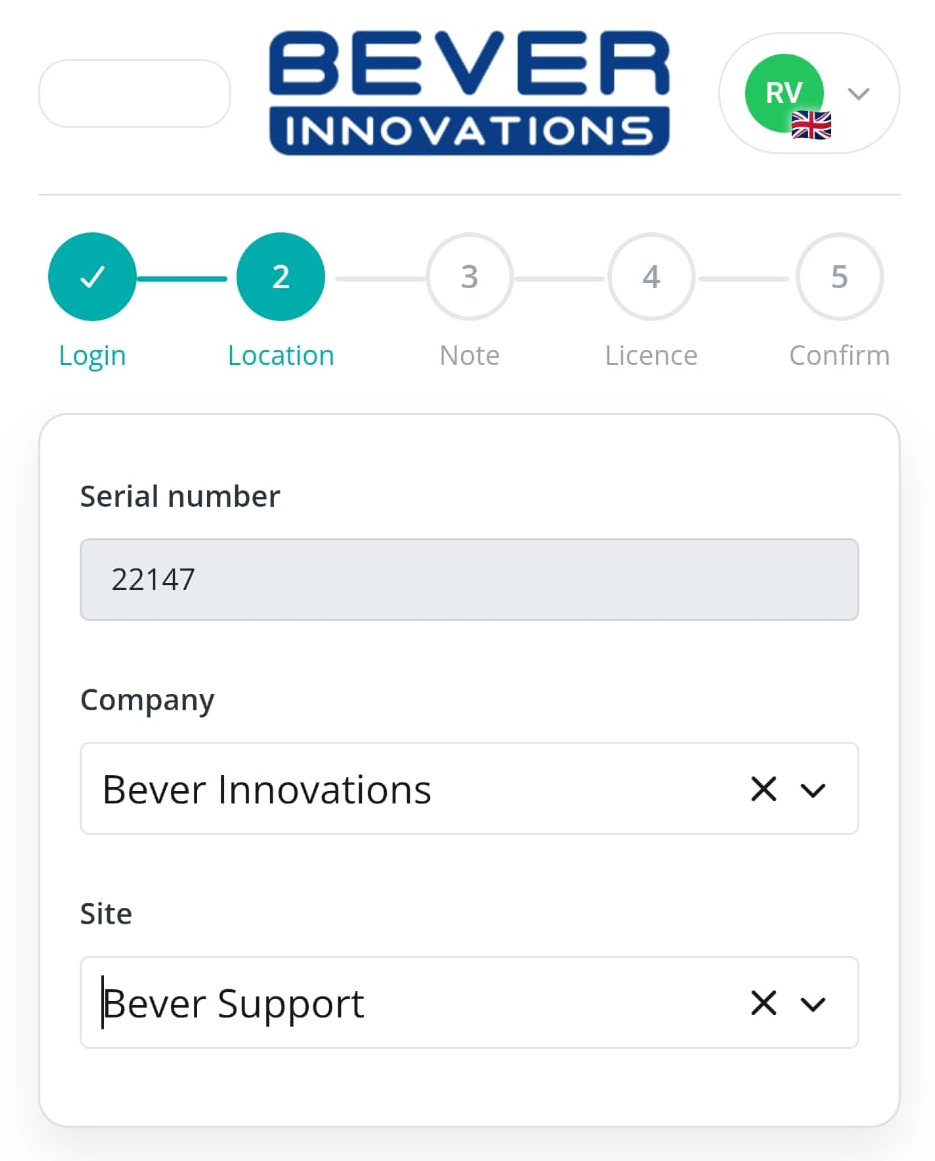
- Enter your company and site details.
- On the next screen, you can choose whether to connect the device to our Live Data Services and API for cloud data and EV pricing. If your IC-smart Touch is equipped with a SIM card, the correct license will be chosen automatically.
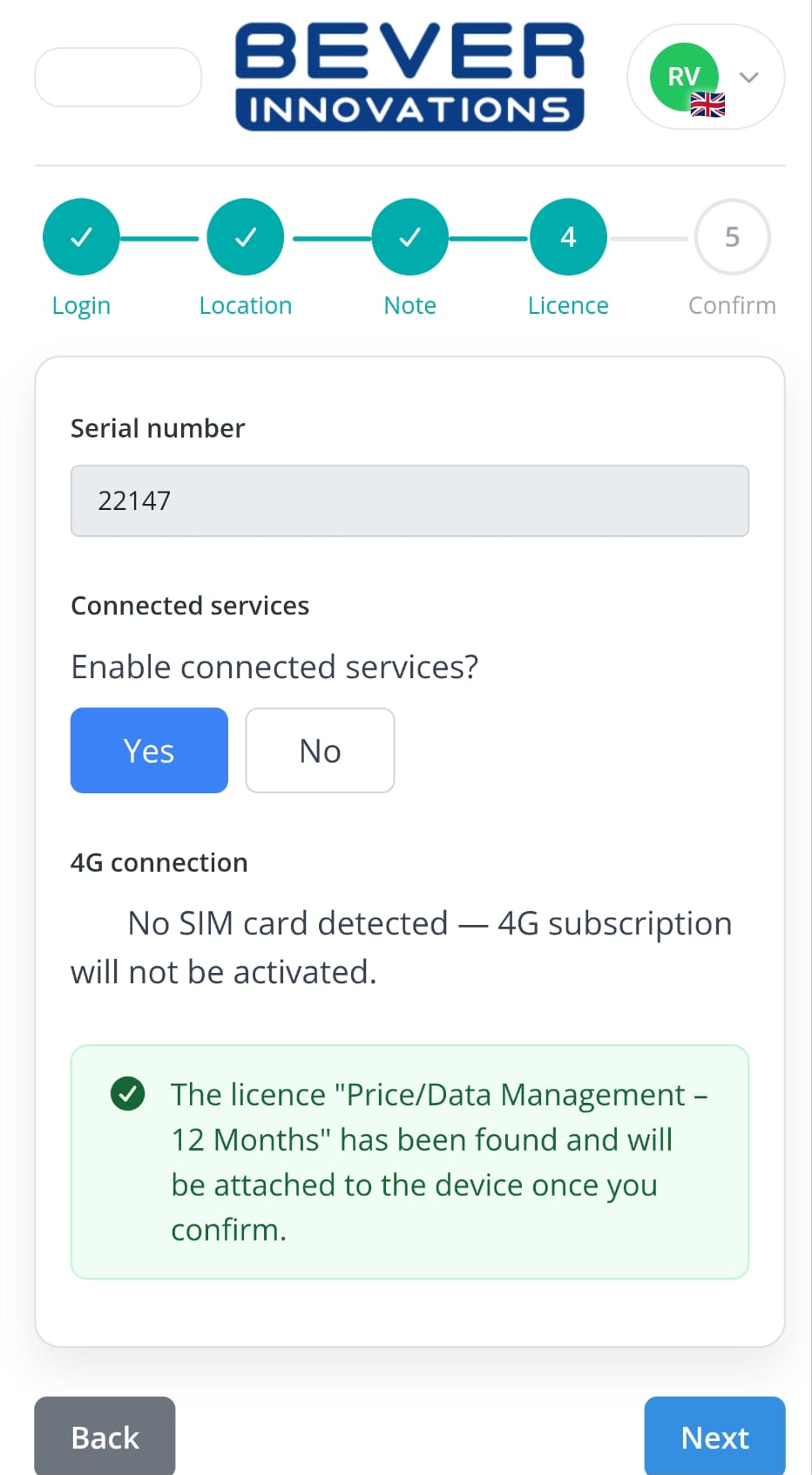
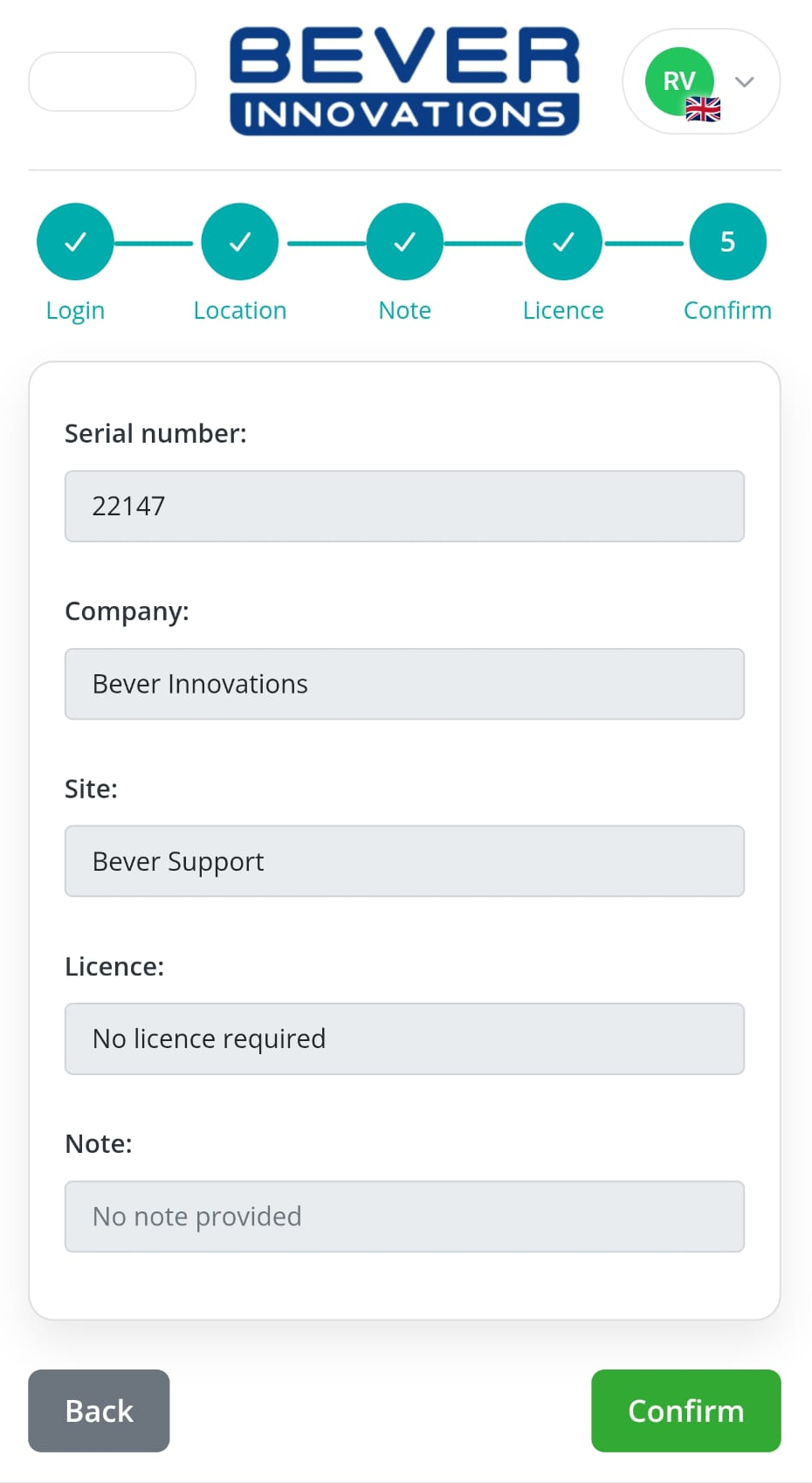
- Review and confirm all details, then add the device to your company in the Bever Dashboard.
Was this article helpful?
That’s Great!
Thank you for your feedback
Sorry! We couldn't be helpful
Thank you for your feedback
Feedback sent
We appreciate your effort and will try to fix the article